

From time to time I will post tips for using the FamilySearch website. It is a vital website, and you will want to use it to the fullest extent.
Today’s Tip:
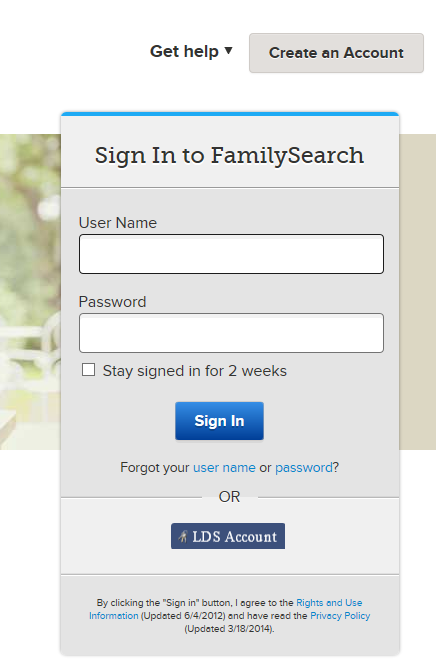
Register for a free account. Sign in every time you use the site.
Why? Some information and some images are restricted, accessible only to registered users. Don’t miss out because you don’t have an account.
Click on “Free Account” in the top right corner. Supply your name, make up a user name and password, then give your email and a few other bits of information. Make sure you remember your user name and password.

Once you’ve registered, sign in (click on “Sign In” in the top right corner) and then type your User Name and Password in the boxes every time you use the site. Now you’ll see everything that’s available for you to see.

Discover more from Cook Memorial Public Library District
Subscribe to get the latest posts sent to your email.
Categories: Genealogy
Tags: Genealogy